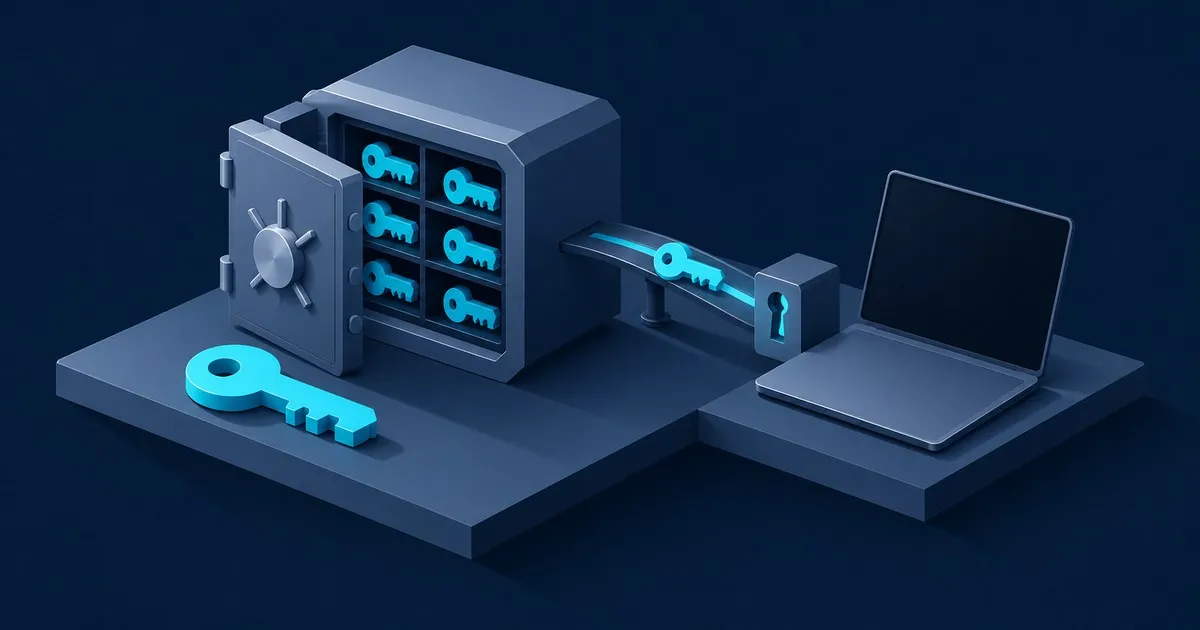
Here is how a password manager works, in plain terms: your device turns your master password into an encryption key, uses that key to lock every saved login inside an encrypted vault, and syncs only that locked vault to the vendor’s servers. The vendor holds ciphertext it cannot read. Unlocking, decrypting and autofilling all happen on your phone or laptop.
That design is built for three everyday threats: a breached website whose leaked password gets tried on your other accounts, a breach at the password manager company itself, and a lookalike login page. It is not built to survive malware on your unlocked laptop; the EFF’s Surveillance Self-Defense guide warns that spyware “can watch you type your master password.” If that is your worry, clean up the device first.
The steps below follow Bitwarden and 1Password because both publish detailed security documentation. Most cloud managers use the same pattern with different parameters.
How does your master password become an encryption key?
Your device runs the master password through a deliberately slow key derivation function (KDF) to produce a 256-bit “master key.” Bitwarden’s default, per its security whitepaper, is PBKDF2-SHA256 at 600,000 iterations, salted with your account email. The slowness is the defense: every single guess costs an attacker that same work.
Those numbers track independent guidance. The OWASP Password Storage Cheat Sheet recommends 600,000 iterations for PBKDF2-HMAC-SHA256, and lists 19 MiB of memory, two iterations and one thread as a minimum configuration for Argon2id, a memory-hard alternative that makes each guess cost memory as well as computation. Bitwarden offers Argon2id as an opt-in setting, documented on its KDF algorithms page.
The master key never leaves your device, and it does not encrypt your logins directly. Bitwarden stretches it to 512 bits with HKDF and uses it to encrypt a separate, randomly generated vault key. That random key is what encrypts your data. In this kind of design, changing your master password means re-wrapping one key instead of re-encrypting every item.
What does the password manager company actually store?
The company stores your encrypted vault, the wrapped vault key, and a value it can check at login. It never stores your master password or a decrypted item. In Bitwarden’s design, each item is encrypted with AES-256 (CBC mode, with HMAC authentication) before upload, and the login hash your app sends is hashed again server-side with 600,000 more PBKDF2 iterations and a random salt.
1Password avoids sending even a hash. It uses the Secure Remote Password protocol, which its security design paper describes as an exchange where “no secrets are transmitted during the exchange.” It also adds a second secret: a Secret Key of 34 letters and numbers, generated on your device, kept on your signed-in devices and in your printed Emergency Kit, and never held by 1Password. The company estimates a memorized account password averages about 40 bits of entropy; the Secret Key adds 128 bits. A copy of 1Password’s servers is therefore useless for guessing your password without a key that was never there.
What happens if the password manager company gets hacked?
Attackers who steal vault data get ciphertext, plus whatever the vendor left unencrypted, and can guess your master password offline with no rate limit. Whether they succeed depends on three things: how strong your master password is, how expensive the KDF makes each guess, and whether a device-held secret such as 1Password’s Secret Key is also required.
LastPass is the reference case. Its 2022 incident notice confirmed attackers copied a vault backup containing “unencrypted data, such as website URLs” alongside AES-256-encrypted usernames, passwords and notes, with keys derived using 100,100 PBKDF2 iterations under default settings. Two lessons follow: the list of sites you use can leak even when the passwords don’t, and a weak master password becomes crackable at the attacker’s leisure. If your vendor is ever breached, work through the 24-hour breach response checklist; Tech Sentinel tracks breach disclosures as they land.
A 2026 study went further. Researchers at ETH Zurich and Università della Svizzera italiana assumed a fully malicious server and reported 12 attacks against Bitwarden, 7 against LastPass, 6 against Dashlane and 2 against 1Password (27 in total) in a paper accepted at USENIX Security 2026. The attacks hit account-recovery key escrow, sharing features that trusted unauthenticated public keys, item-level encryption flaws, and downgrades to legacy encryption. The project site says the team has “no reason to believe” any vendor is compromised, and that using a password manager remains “probably the single most effective action you can take.” Treat “zero-knowledge” as a design goal to check against audits, not a guarantee.
How does autofill know which site you’re on?
Autofill compares the address in your browser with the web address saved on each login and offers only matches. Bitwarden’s default, base domain matching, fills a google.com login on accounts.google.com but not on google.net. A lookalike phishing domain therefore gets nothing, and that silence is your cue to stop, not to paste the password in by hand.
Autofill is also the most exposed component, because the extension draws its menu inside pages you don’t control. Marek Tóth’s DOM-based extension clickjacking research, presented at DEF CON 33 in August 2025, showed a malicious page could render the autofill menu of 11 popular managers invisible and trick users into clicking it. He also found every tested manager filled credentials on all subdomains, not only the main domain. His mitigations: use exact URL matching for important logins, set the extension’s site access to “on click” in Chromium browsers, and disable the in-page autofill menu. Patch status differed by vendor, so check your manager’s release notes. The trade-offs for built-in browser vaults are covered in are browser password managers safe to use.
How do sync, sharing and 2FA codes fit in?
Sync copies the same encrypted vault between devices; each one decrypts locally after you unlock it. Sharing uses public-key cryptography: Bitwarden creates an RSA key pair at sign-up so that keys for shared collections can be encrypted to a member’s public key. That is where the ETH team found trouble, because your app has to trust that the key the server hands over really belongs to the recipient.
Many managers can also generate the rotating two-factor codes defined in RFC 6238 by storing the TOTP secret, which is combined with the current 30-second time step. Convenient, but it puts both factors behind one master password. Keep codes for your email and the vault itself outside the vault, ideally on a hardware key; the YubiKey 2FA setup guide walks through that. Passkeys sync the same way passwords do, and the site-binding that makes them phishing-resistant is covered in passkeys explained.
Does a local-only password manager work differently?
The cryptography is the same; only the storage location changes. KeePassXC keeps your vault as a local KDBX file encrypted with AES-256 or Twofish and has no built-in sync, and its documentation suggests placing the file in a cloud folder you already use. That removes the vendor server from your threat model but makes backups and sync conflicts your job; the KeePassXC review covers the trade-off.
What a password manager will not protect you from
- Malware on an unlocked device, which can read what you type and what the app displays.
- A weak master password once the encrypted vault has been stolen.
- A forgotten master password. The vendor cannot decrypt your vault, so set up a route back in advance using the master password recovery options.
- Phishing you talk yourself into by pasting a password onto a page autofill refused.
Verify your setup in 10 minutes
- Check your KDF. In Bitwarden’s web app, open Settings → Security → Keys and confirm PBKDF2 shows at least 600,000 iterations, or switch to Argon2id.
- Confirm two-step login on the vault account, with its codes stored outside the vault.
- Tighten matching on email and banking logins: open each item and set its match rule to Host or Exact.
- Find your recovery material. 1Password users should locate the Emergency Kit holding the Secret Key.
- Set extension site access to “on click” in Chrome or Edge if you would rather trigger autofill yourself.
FAQ
Can password manager companies see my passwords?
No, not when zero-knowledge encryption works as designed: the vendor stores only encrypted vault data and never receives your master password. The 2026 ETH Zurich study showed a compromised server could still attack features such as account recovery and sharing, so independent audits and prompt app updates remain part of the deal.
What happens if I forget my master password?
Usually you lose access to the vault, because the vendor never holds the key needed to decrypt it. Some services offer an escape hatch, such as a trusted emergency contact, admin-assisted recovery on business plans, or a device that is still signed in. Set one up now, while you still remember the password.
Do password managers work offline?
Yes, most cloud password managers can open and fill saved logins offline, because each device keeps a local encrypted copy of the vault and decrypts it itself. You need a connection to sync changes, add a new device or receive shared items. KeePassXC works fully offline by design, since its vault is a file on your disk.
Is it safe to keep all my passwords in one place?
For most people, yes: one strong master password guarding unique, random passwords beats the same password reused across dozens of sites. The EFF notes that a password manager creates a single point of failure, so harden that point with a long passphrase, a current KDF setting and phishing-resistant two-factor authentication on the vault account.
Is a free password manager as secure as a paid one?
Often, yes: the encryption model is usually identical across tiers, and paid plans mostly add features such as file attachments, emergency access or family sharing. Bitwarden’s free plan, for example, uses the same client-side encryption as its paid plans. The breakdown of Bitwarden’s free version shows what the free tier leaves out.
Related across the network
- The Minimal Privacy Stack for 2026 — anonguide.com


